Your AI editor
in your pocket
Chat with GitHub Copilot or Cursor AI, switch models, and manage your VS Code & Cursor instances — all from your phone. Get work done from the couch, the commute, or anywhere in between.
Everything you need to code on the move
Your AI editor — VS Code or Cursor — now in your pocket.
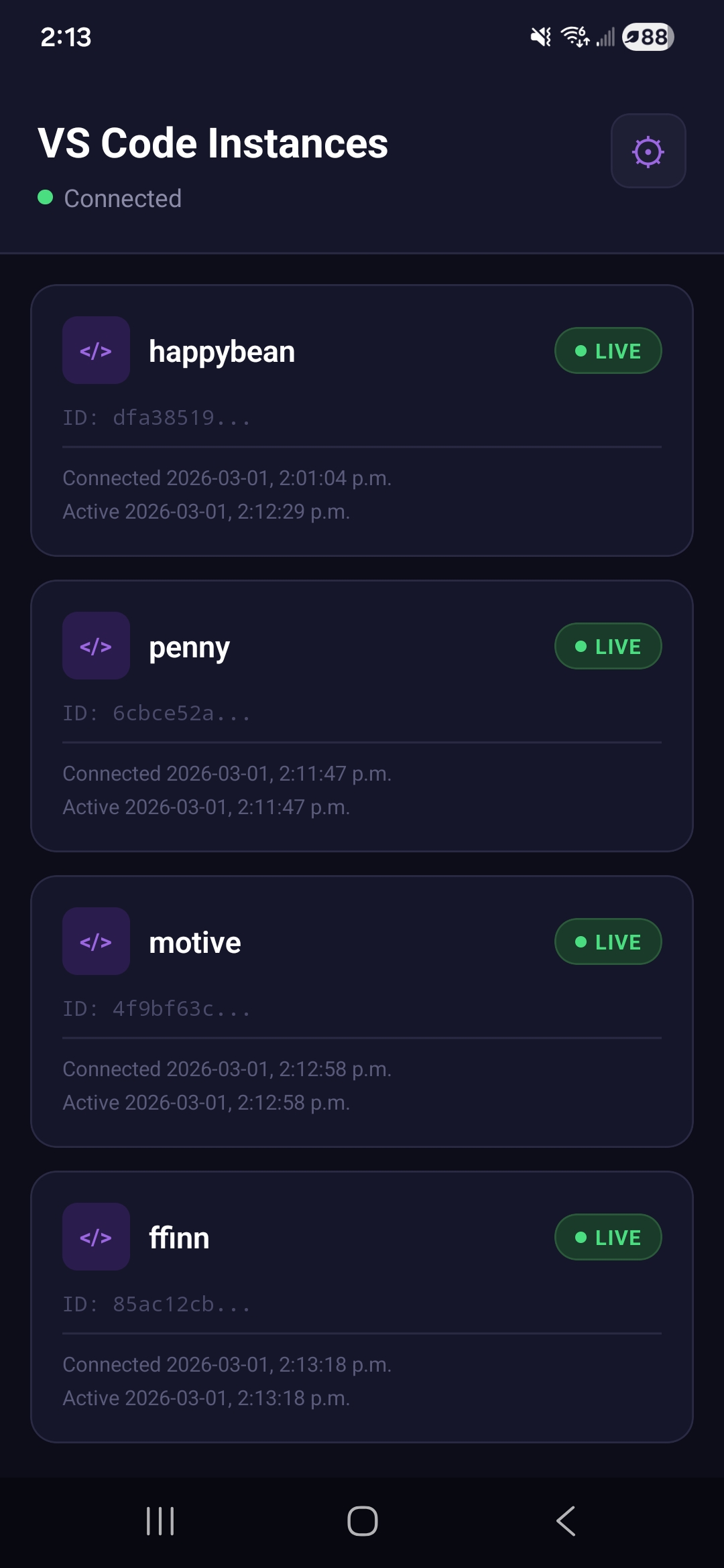
Multi-Instance Control
Connect to multiple VS Code or Cursor instances at once. Live busy indicators show when your AI is working. Switch projects in a single tap.
Full AI Chat
Chat with GitHub Copilot or Cursor AI right from your phone. Persistent history means your conversations are always there when you come back.
Choose Your AI Model
Switch between GPT-4o, o1, o3-mini, Claude 3.5 Sonnet, Cursor AI models, and more — right from the chat interface.
Live Streaming
Watch Copilot's thinking in real time. Animated streaming responses with a stop button to cancel any in-flight request.
Secure by Default
JWT auth, encrypted WebSocket connections, and sign-in via Google, Apple, or Microsoft. Your code stays yours.
Instant Device Linking
Link VS Code to your account with a 6-character code. No config files, no tokens - just type the code and go.
Up and running in minutes
Install the Extension
Add the Penny extension to VS Code or Cursor. It generates a 6-character link code.
Open the App
Sign in on your phone and enter the link code to pair your device.
Start Chatting
Chat with your AI (Copilot, Cursor AI, or any other), pick your model, and get work done from anywhere.
Get Penny
Two parts, one workflow. Install both to get started.
Install the Extension
Connects your VS Code or Cursor instances to Penny. Shows a 6-character link code so you can pair with the app in seconds.
Install ExtensionGet the Mobile App
Sign in with email or SSO (Google, Apple, Microsoft), enter the link code from VS Code or Cursor, and start chatting.